
Standup Alice, Notion, or Trello? Choosing the Right Tool for Daily Updates
Updated: Dec 16, 2025

Daily updates are the backbone of modern teamwork. Whether you’re running a product team, managing a department, or coordinating projects across time zones, the right update system keeps everyone aligned without slowing work down.
In 2025, teams evaluating daily updates often start with StandupAlice, alongside familiar platforms like Notion and Trello. Each tool is effective in its own context — but the best choice depends on how structured your updates need to be, how async your team operates, and how much automation you want built in.
This guide looks at all three tools through an opportunity-focused lens, helping teams confidently choose what fits their workflow best.
Why Teams Need a Dedicated Update System in 2025
As organizations move toward async-first communication, one thing has become clear:
Teams perform better when updates are simple, consistent, and easy to consume.
Modern teams increasingly look for:
A place where updates take less than 30 seconds
A consistent format for every team member
Automation that removes follow-ups and status chasing
Seamless integration with Slack, Microsoft Teams, and email
Visibility and insights into team progress
That’s why many teams are revisiting an important question: Is a general-purpose tool enough, or does daily alignment deserve something purpose-built?
Comparison Table: StandupAlice vs Notion vs Trello (2025)
Feature / Tool | StandupAlice | Notion | Trello |
Primary Use Case | Async daily standups & team alignment | Docs, wikis, flexible workspaces | Visual task & board management |
Update Speed | Fastest (30–45 seconds) | Medium (typing & formatting) | Medium (cards & comments) |
Structure for Updates | Built-in and consistent | Custom templates | Manual via boards |
Automation | Reminders, summaries, analytics | Limited workflows | Board-based automation |
Team Alignment | Excellent — summaries & visibility | Good — manual setup | Good — visual tracking |
Learning Curve | Very low | Moderate | Very low |
Best Fit For | Remote & hybrid teams running async standups | Knowledge-heavy teams | Task-driven teams |
StandupAlice: Designed for One Job — Daily Async Updates
StandupAlice is built specifically to solve one issue:
Daily updates that are simple, structured, automated, and effortless.
Instead of modifying templates, hunting for comments, or building workflows, StandupAlice gives teams a plug-and-play system:
What StandupAlice does best:
✅ Ultra-fast daily updates
Updates follow a clean structure so every team member reports the same way — no formatting needed.
✅ Automated reminders
The tool nudges the team gently, ensuring consistent participation without managers chasing people.
✅ Smart daily summaries
Automatically generated and delivered to Slack, Teams, or email — keeping decision-makers aligned instantly.
✅ Useful analytics
Leaders can see:
Participation trends
Work blocks
Where teams need support
Week-over-week progress
✅ Friction-free onboarding
Because it's built for one job, new teams start using it successfully within minutes.
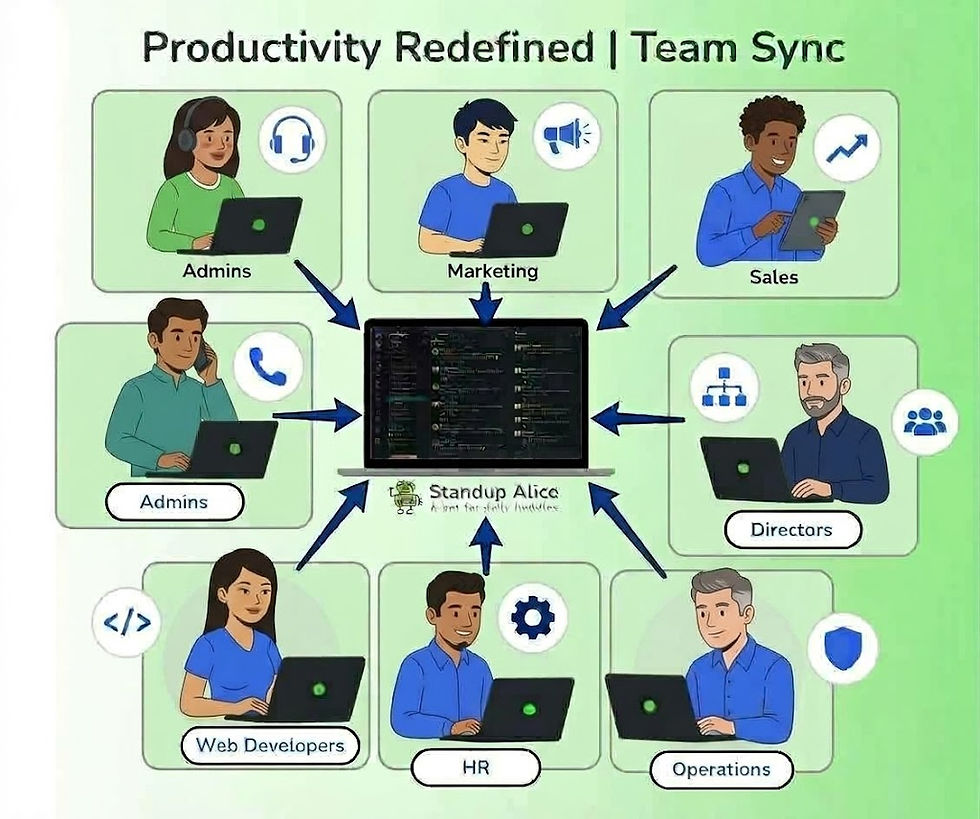
StandupAlice becomes especially valuable for engineering, product, operations, and remote teams that want a clean rhythm of alignment.
Notion: Great for Documentation, Flexible for Updates
Notion remains a strong and relevant tool in 2025. Many teams rely on it for:
Wikis
SOPs
Knowledge bases
Project documentation
Tracking long-form updates
Its biggest strength is customizability. You can design update templates exactly how you want.
Where teams find an opportunity:
Daily updates in Notion often depend on a manual setup — creating pages, linking databases, formatting entries. This works well for teams that already live inside Notion every day.
However, some teams look for a quicker, more structured update flow where formatting or template-building is not required — which is why they explore purpose-built tools like StandupAlice.
Trello: Simple, Visual, and Intuitive
Trello remains an easy favorite for teams that prefer visual workflows. Kanban boards make task movement very clear, and the interface is simple enough for anyone to adopt quickly.
Daily updates can be added using:
Card comments
Checklists
Update labels
Daily-update boards
Where teams find an opportunity:
For daily standups, teams sometimes prefer a tool that provides:
A consistent update structure
Automatic reminders
Summaries delivered directly to Slack/Teams
Insights without needing manual board reviews
Trello remains excellent for task management, but many teams use it alongside a lightweight async update tool to reduce noise and save time.
So Which Tool Should You Choose in 2025?
It comes down to your primary workflow:
🎯 Choose StandupAlice if:
You want the fastest, most consistent, and most automated way to run daily updates — especially for async, remote, or hybrid teams.
🎯 Choose Notion if:
Your team prefers documentation-first workflows and already manages updates within Notion.
🎯 Choose Trello if:
Your team relies heavily on visual task boards and lightweight status tracking.
Daily updates may seem small, but they shape clarity, planning, and decision-making. That’s why many teams choose StandupAlice — a tool designed to make alignment effortless.
Related Reading
If you’re exploring async workflows more deeply, these resources may be helpful:
Final Thoughts
In 2025, tools are not competing — workflows are.
Teams that choose the right workflow tool stay aligned, reduce confusion, and make faster decisions.
Notion and Trello help teams stay organized.
StandupAlice helps teams stay aligned.
And in the world of async collaboration, alignment is everything.


Comments